Inside the platform.
Nine surfaces, then one worked example end to end. From a raw CSV to an agent that answers questions about the data.
One surface at a time.
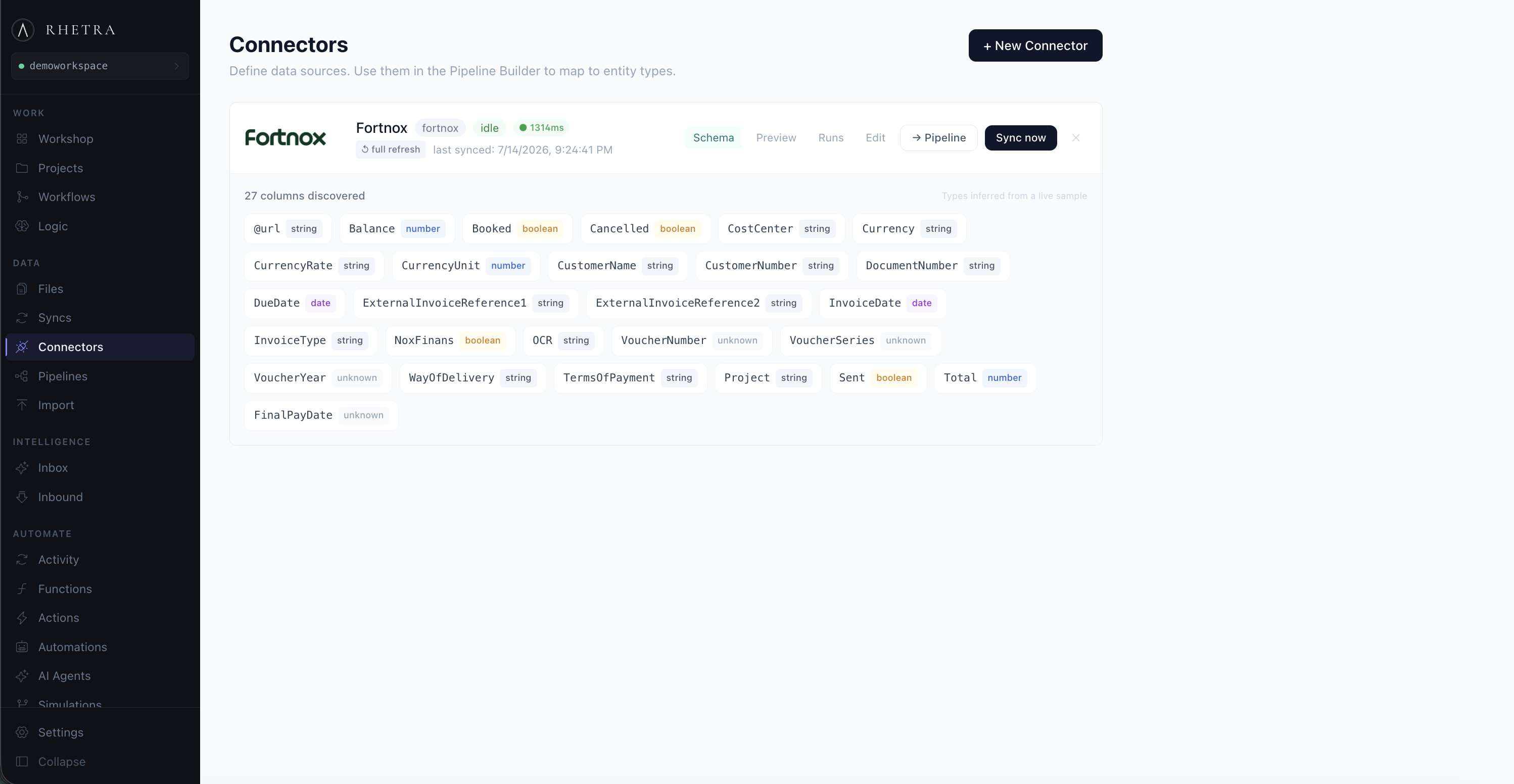
Connect any source into the same pipeline. REST APIs, CSVs, ERP exports, databases. Click to zoom.
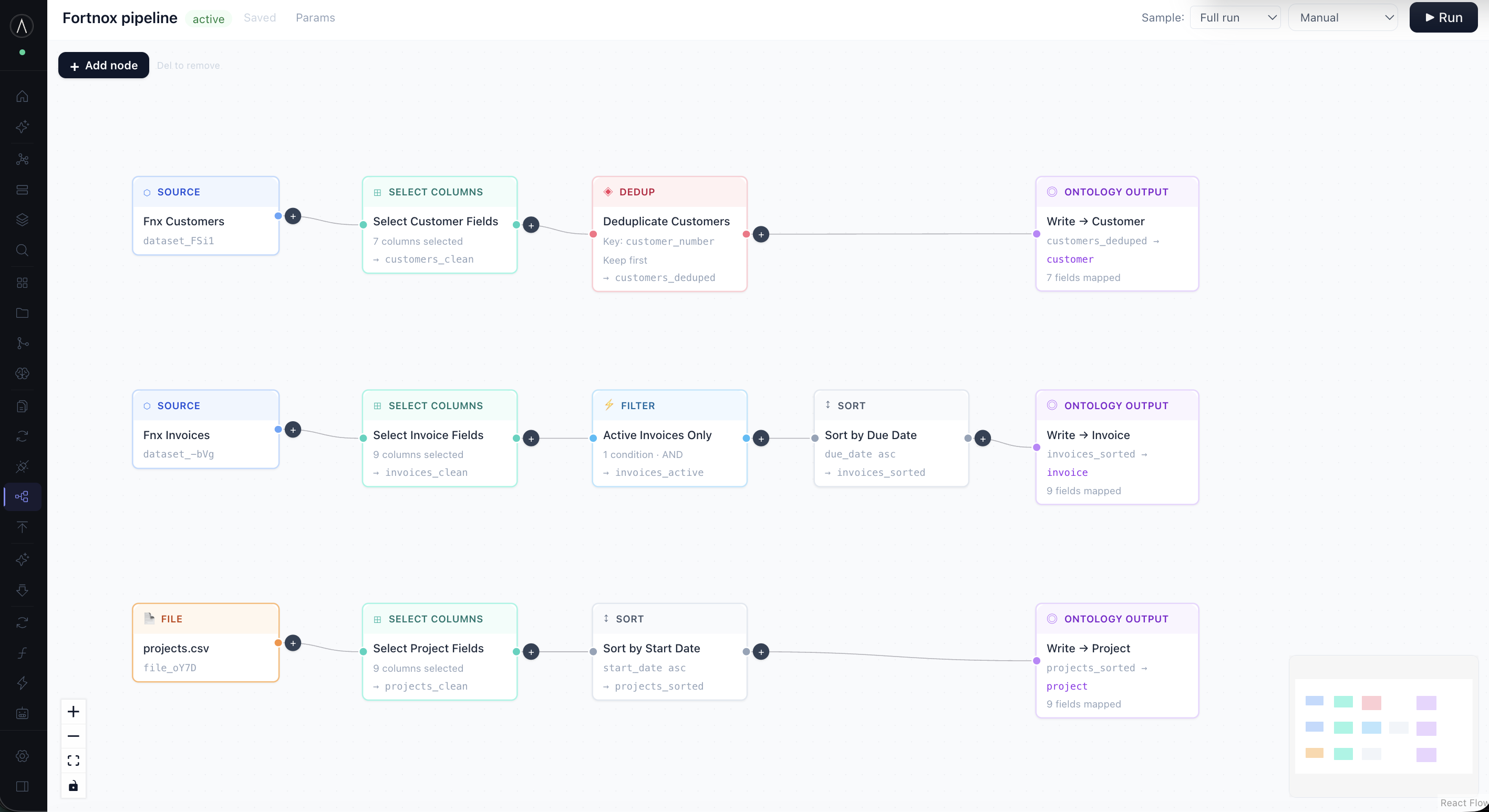
Define SQL transforms and materialize clean, typed entities from raw source data into the ontology. Click to zoom · arrows to browse.
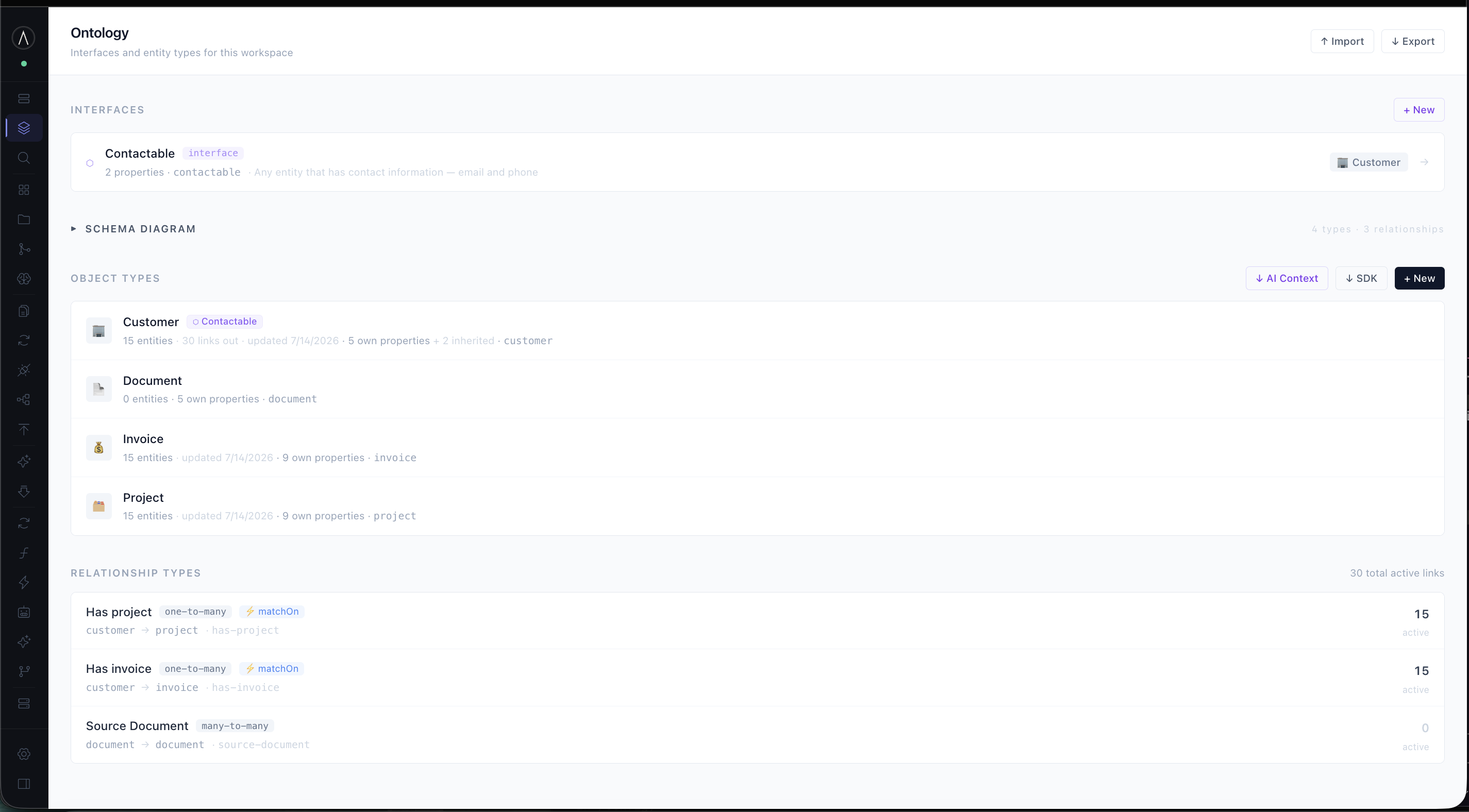
Every object type is defined at runtime. Properties, relationships and interfaces, with no schema migrations. Actions attach directly to the type. Click to zoom · arrows to browse.
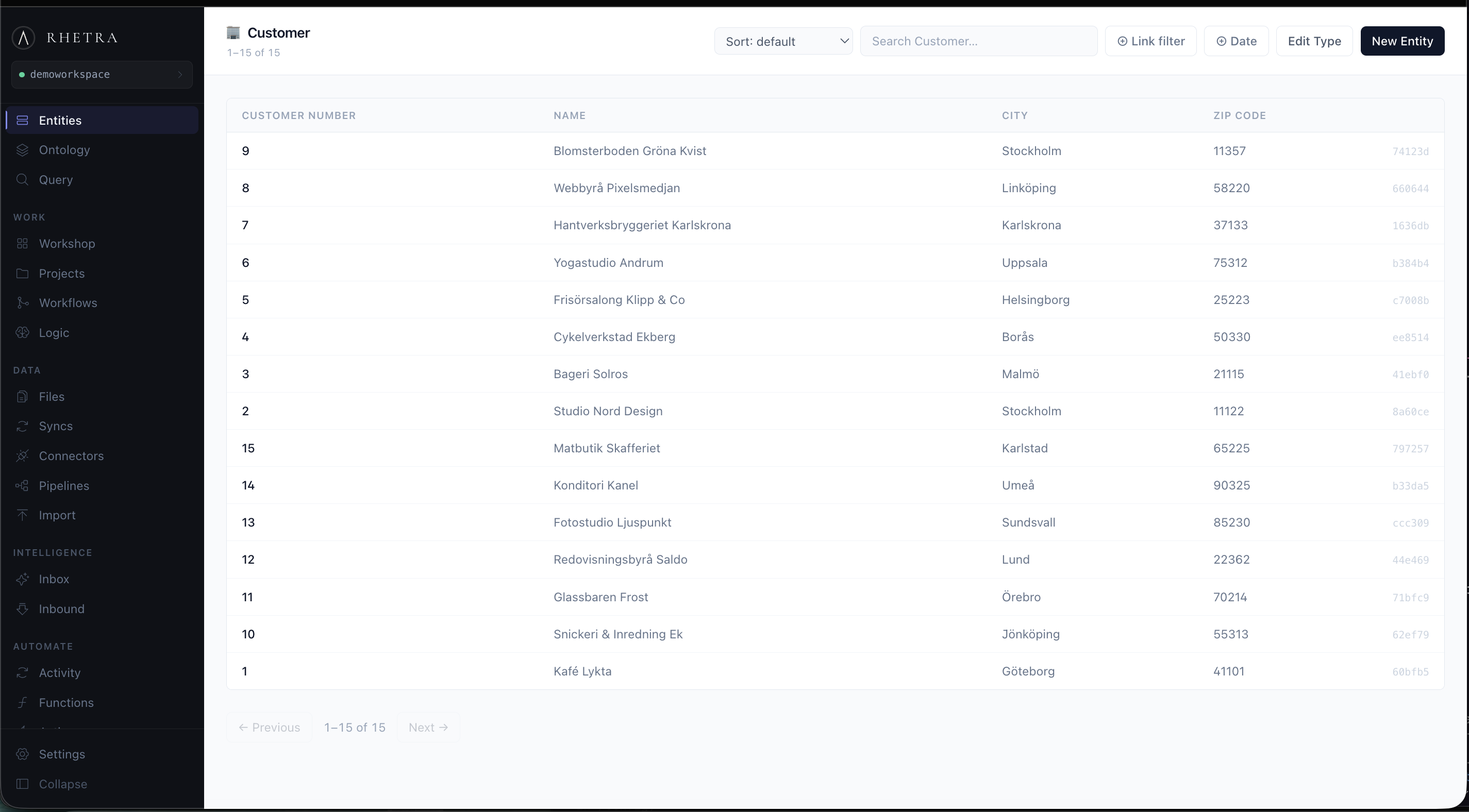
Browse and filter every entity in the ontology. Click through to the full detail view: all properties, linked entities and the complete edit history. Click to zoom · arrows to browse.
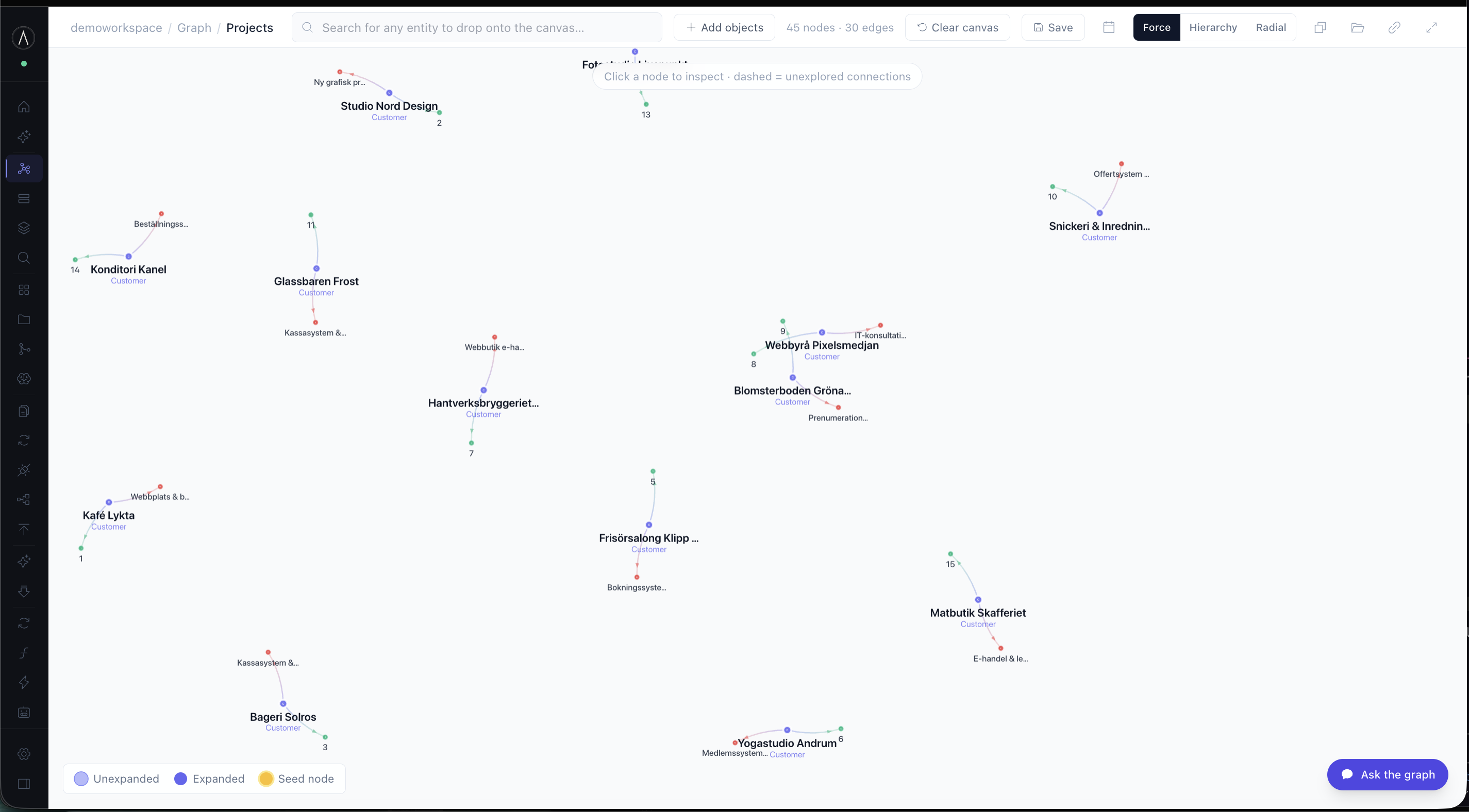
A force-directed investigation canvas. Expand any entity to see its neighbours, filter by link type, save named layouts and share deep links with your team. Click to zoom.
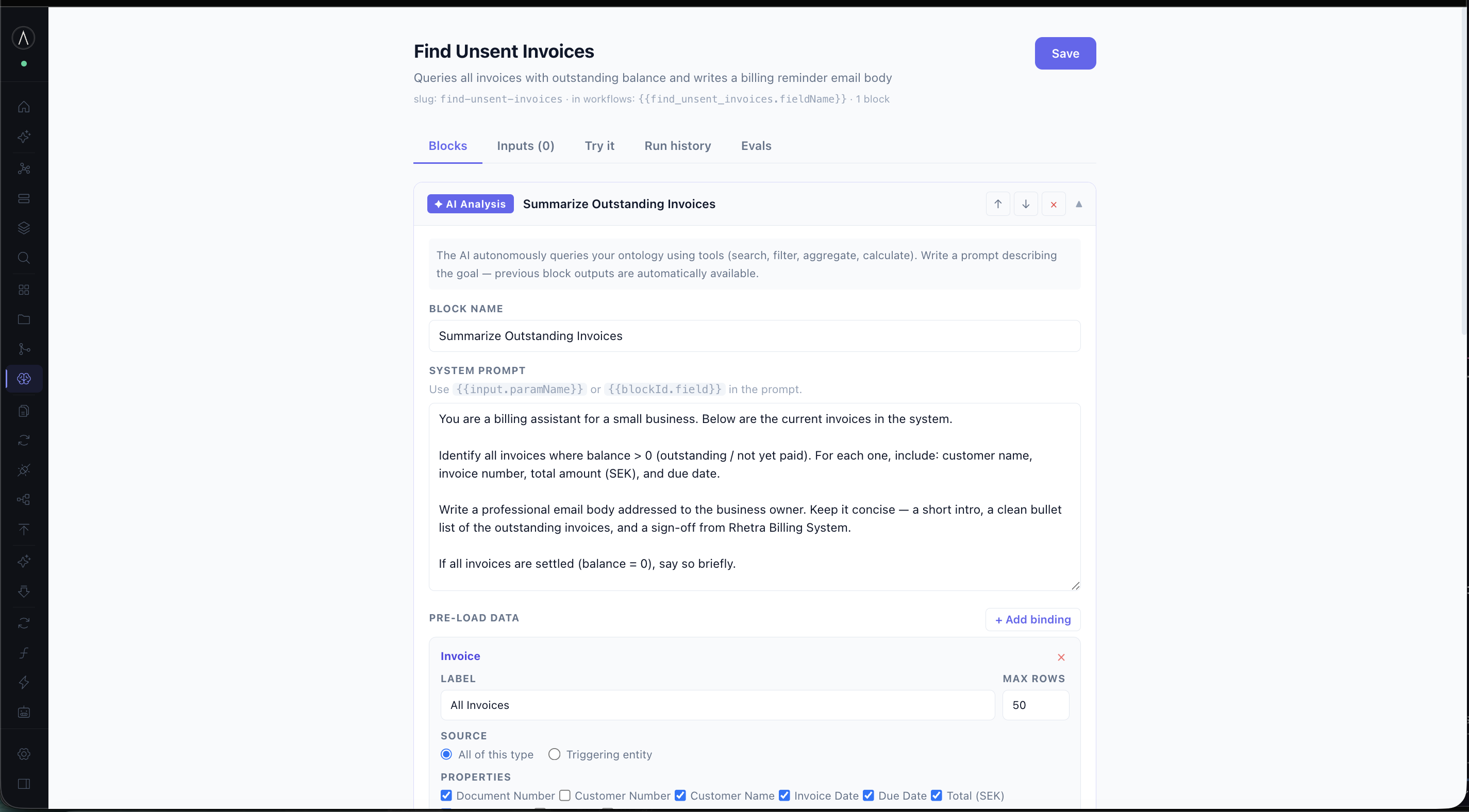
Workspace functions run server-side TypeScript with full ontology access. Wrap one in an Action to make it callable. Trigger it manually, from a workflow, or from the AI assistant. Click to zoom · arrows to browse.
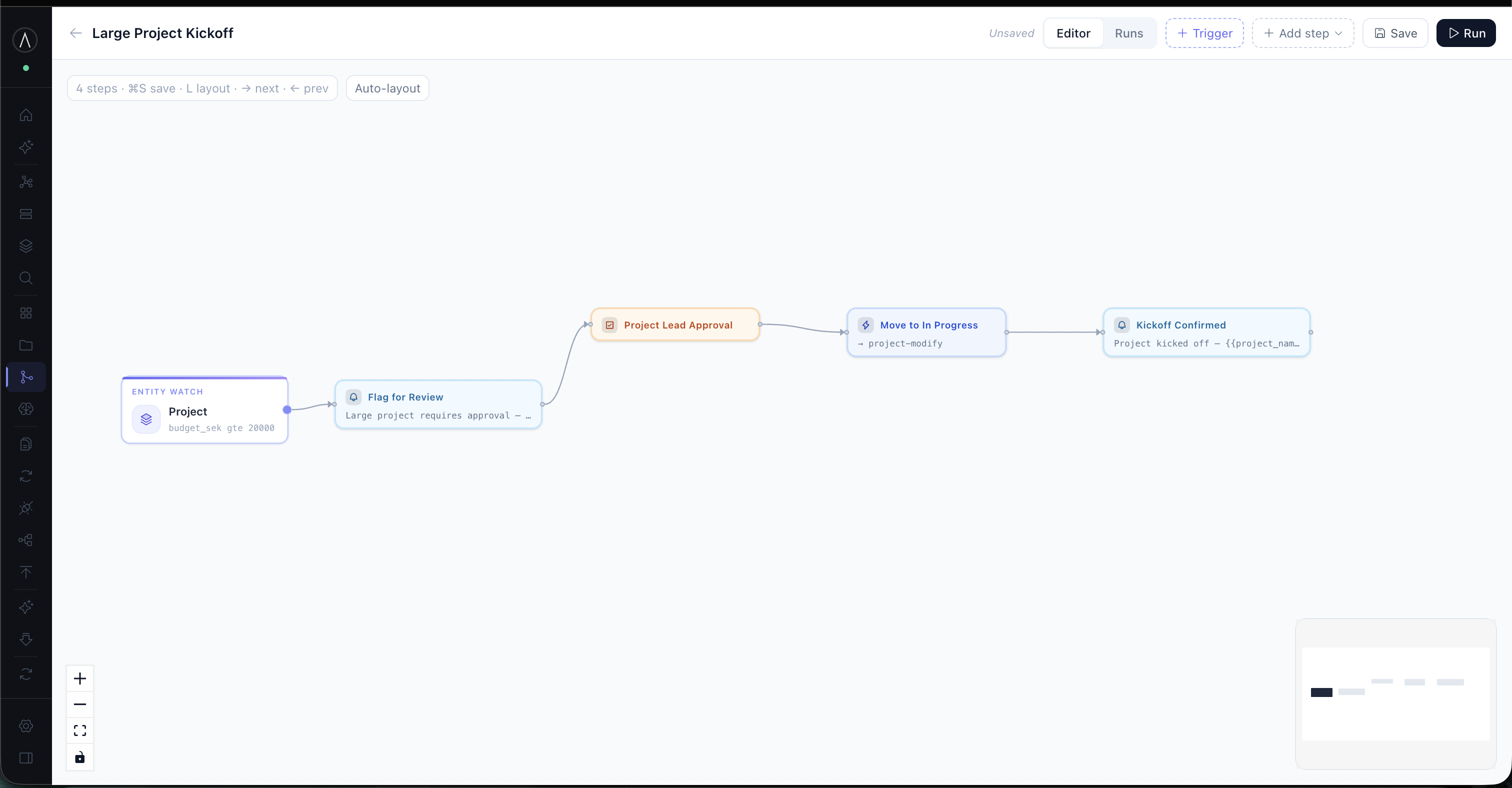
Visual workflow builder with triggers, LLM steps, checkpoints and actions. Human-in-the-loop gates pause execution until a reviewer approves. Nothing commits without sign-off. Click to zoom · arrows to browse.
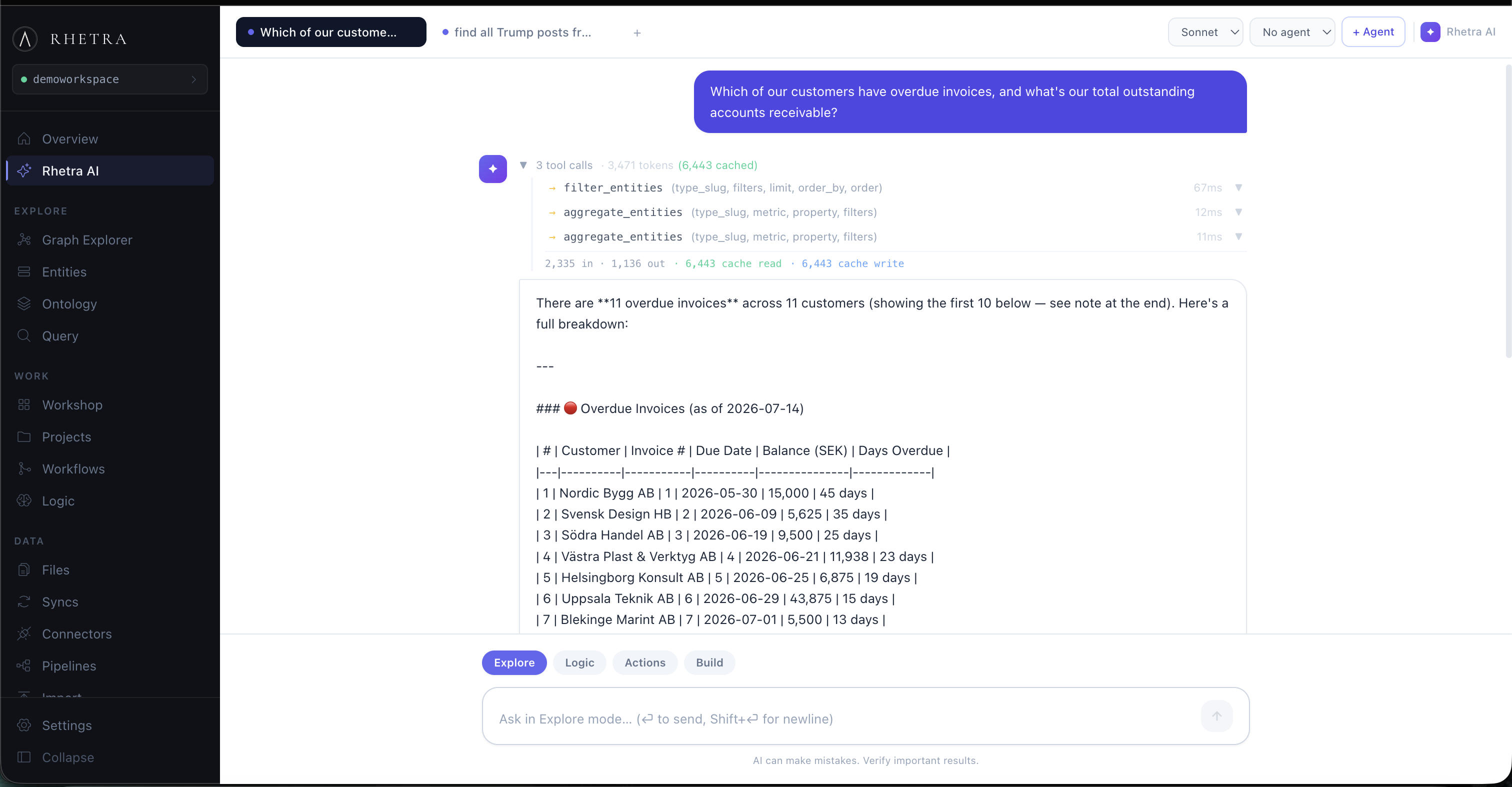
The built-in AI assistant has full access to the ontology. Ask it to research a customer on the web, then watch it write the findings back. New properties, new entities, new links, all tracked in the change log. Click to zoom · arrows to browse.
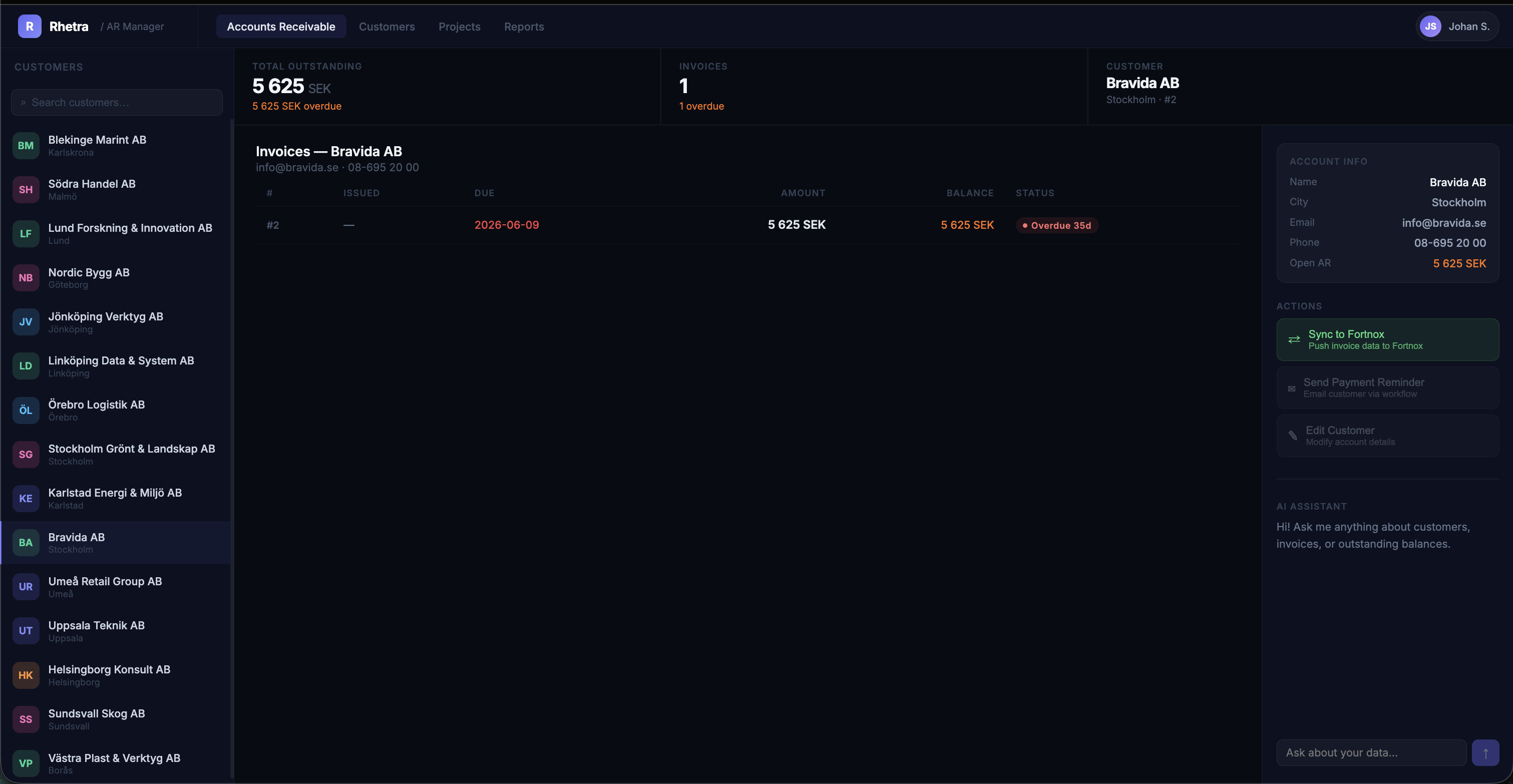
Generate a fully typed TypeScript client from your ontology in one command. Build internal tools, dashboards, or integrations on top. Typed objectSet(), runAction() and traversal out of the box. Click to zoom · arrows to browse.
Click Run, get objects.
Fourteen Reddit searches, one per model name. Stacked, deduped, split, then classified by Haiku and written straight into the ontology. Start and finish are real time; the 170 seconds of grinding in between are compressed.
178.1s · 779 LLM calls · 689,591 tokens in · $0.7368 · 25 datasets, 189 entities. The last thing to appear is the result table, which is the point: the run ends as queryable objects, not as a log line. Open on its own page →
Four workspaces built on exactly these parts.
Everything above is the inventory. Each demo below is one of these workspaces end to end, on real data, recorded from the running platform.